 Download
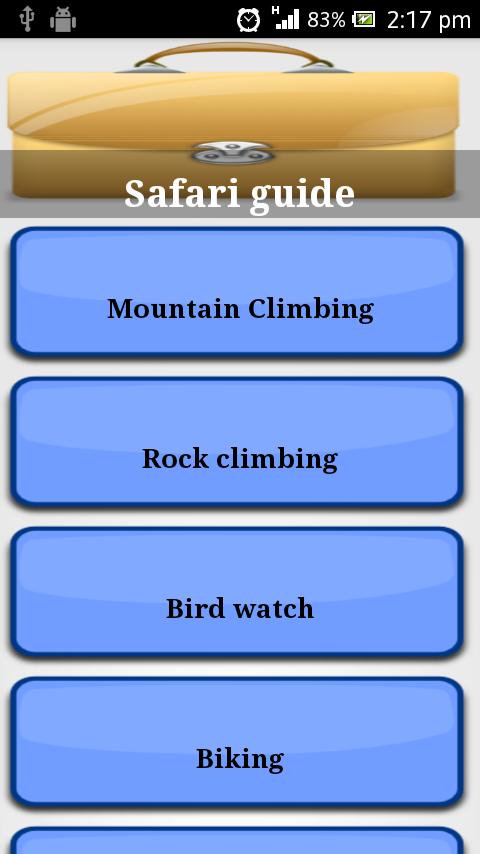
Safari guide (Kenya)r
2.0 January 22, 2026- 9.1
- 1
- 2
- 3
- 4
- 5


Shop Google Play on the web. Purchase and enjoy instantly on your Android phone or tablet without the hassle of syncing.
A pretty girl called Miss No is ready to assist you in all kinds of outdoor activities! With the help of Miss No you and your beloved family members will be never lost. Miss No provides much more than a conventional map system or any other navigation tool. She can assist you in trip navigating, route recording, region tracking, place management, social networking and event keeping.
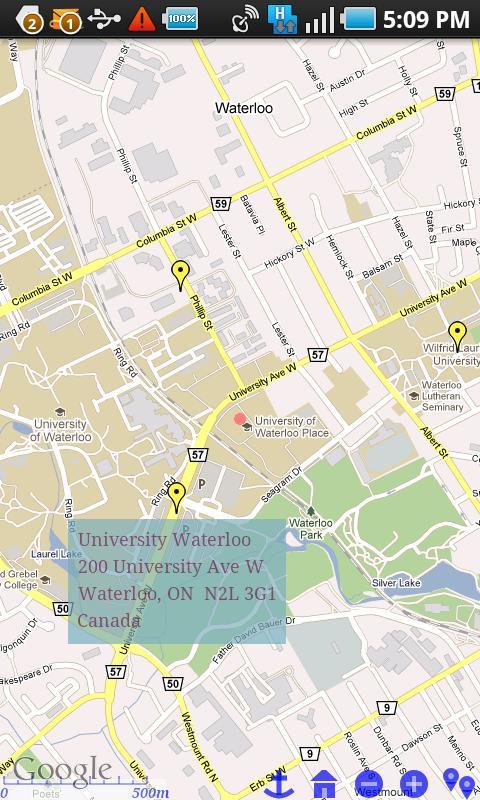
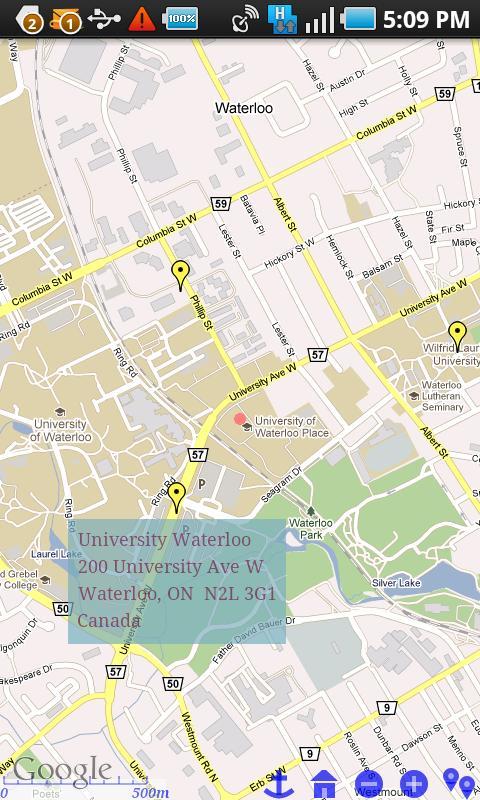
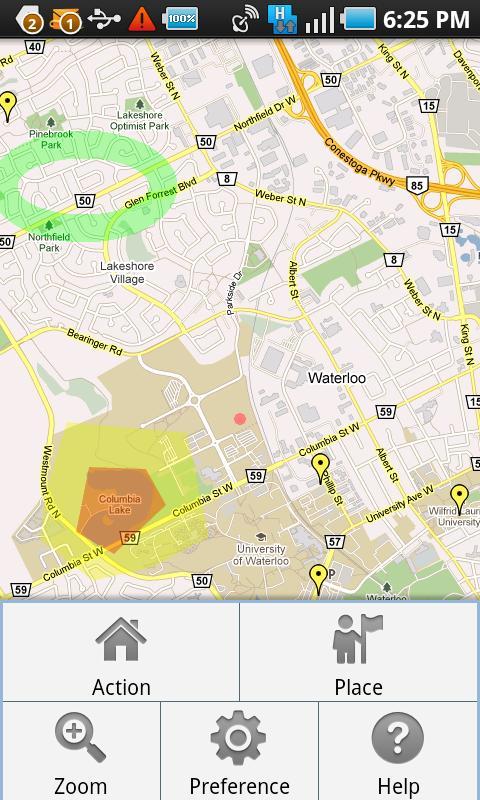
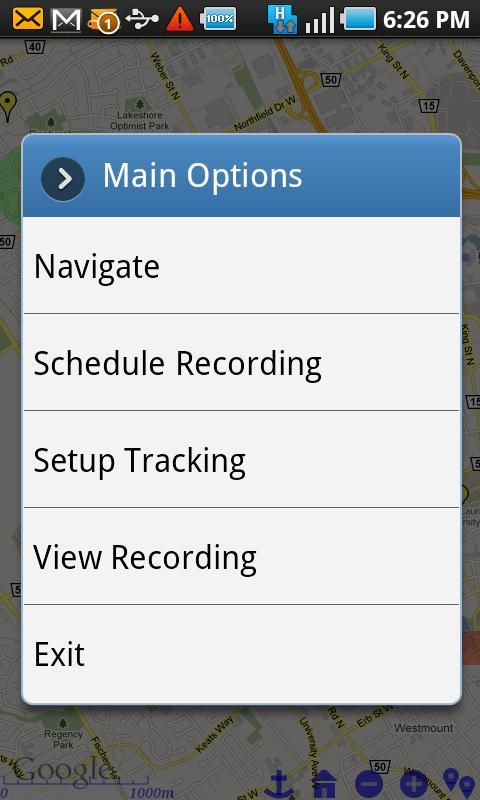
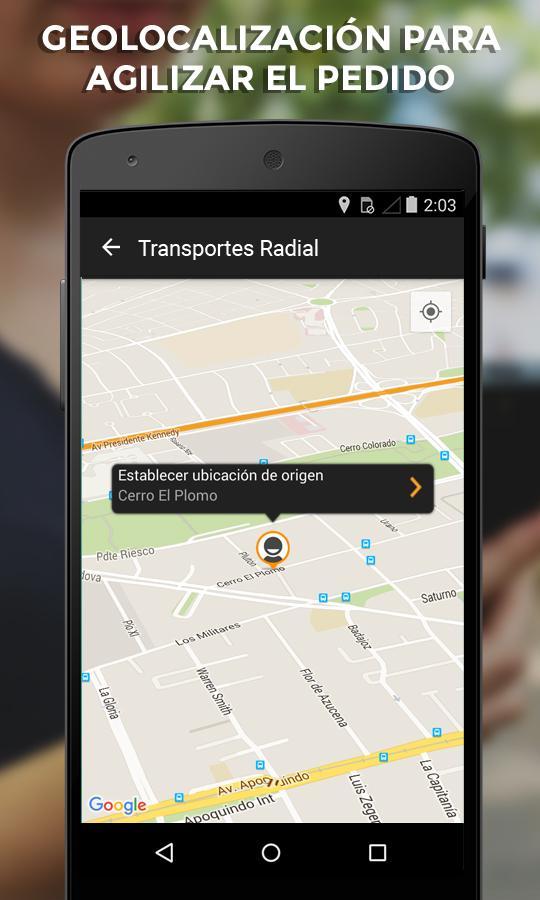
You come to the Main Screen when Miss No starts. The screen works with Google Map. You can move the map to any location and zoom the map. There are a number of menus and buttons you can choose: find, manage and share places, schedule and monitor recording, setup and review tracking, start navigation under control, modify preference and seek for help.
When you select Navigate menu, Miss No takes you to Navigate Screen which is a live GPS system with Map. The middle point of this screen is your current position. The map moves when you walk. A series of arrows indicate the route you are passing while a pin-point presents the destination you should approach. You can load a previous route for the guidance of the current trip. You can be alarmed when you walk away from that route. Upon completion of your trip, you can store the route to SD card of your smartphone and send the route to friends.
You can store any location in the map or any place you are visiting under a selected group, such as Parking, Hiking, Fishing or Appointment. You can setup a notification when the location is due or expired after a period. You or your friends will then be reminded when the event is due. You can take a photo with the integrated camera for that place. Miss No can bring you quickly back to a previously visited place. You will never waste time to find where your car parked. You can email a place to your friends with the photo in the attachment, if you like to recommend the sightseeing or want him/her to pick the parked car for you. All stored places can be loaded and used as destination of your journey in Navigating Screen.
When you select Setup Recording menu, you can schedule a recording by specifying the start time, the end time and the interval for recording. There are two ways to view and analyze the recorded route: with or without Animation. Without Animation, Miss No shows the route on the top of the map with series of arrows and red marks. With Animation the recorded route is shown in Route Player. You can pause, resume and rewind the recording. You can also use Previous/Next button to analyze the route point by point. After the review you can decide whether to save the recorded data to SD card. You can consider sending the route to a fried, a doctor or a researcher. You can replay a stored route or a route from your friend any time later.
When you select Setup Tracking menu, you can create a plan to protect your family members from regions of dangers. You need to setup two things: the region of danger and the alert contact. Miss No lets you work with 3 levels of alerts: Remind, Warning and Alarm. Each level can have any number of regions and contacts. Enter region and Leave region are distinguished. With Enter region, the alerts are sent when the phone holder cross the boundary to enter the region. With Leave region, the alerts are sent when the person is leaving the region. You can specify the regions by drawing rectangle, ellipse or polygon using drawing tools by Miss No. An Enter region appears as a solid shape while a Leave region is hollow. The color for Remind region is green, Waning yellow and Alarm red. For alert contacts, you can use a combination of options: phone call, text message, email, ringtone or vibration. You can choose the number and the interval of repeated alerts, when the person continues to stay in the region of danger. In fact you also can use the feature to against theft. You can setup so that you get alarmed when your car is moving out of a circle.





 Action-adventure
 Simulation Business
 Role Playing
 Sports Competition
 Casual Intelligence
 Card Strategy
 Music Rhythm
 Text Puzzle
 Flying Shooting
 Love Development
 Business Office
 Newsletter Social
 Life Entertainment
 Online Shopping
 Practical Tools
 Travel
 Financial Management
 Educational Learning
 Information Reading
 Sports and Health