 Download
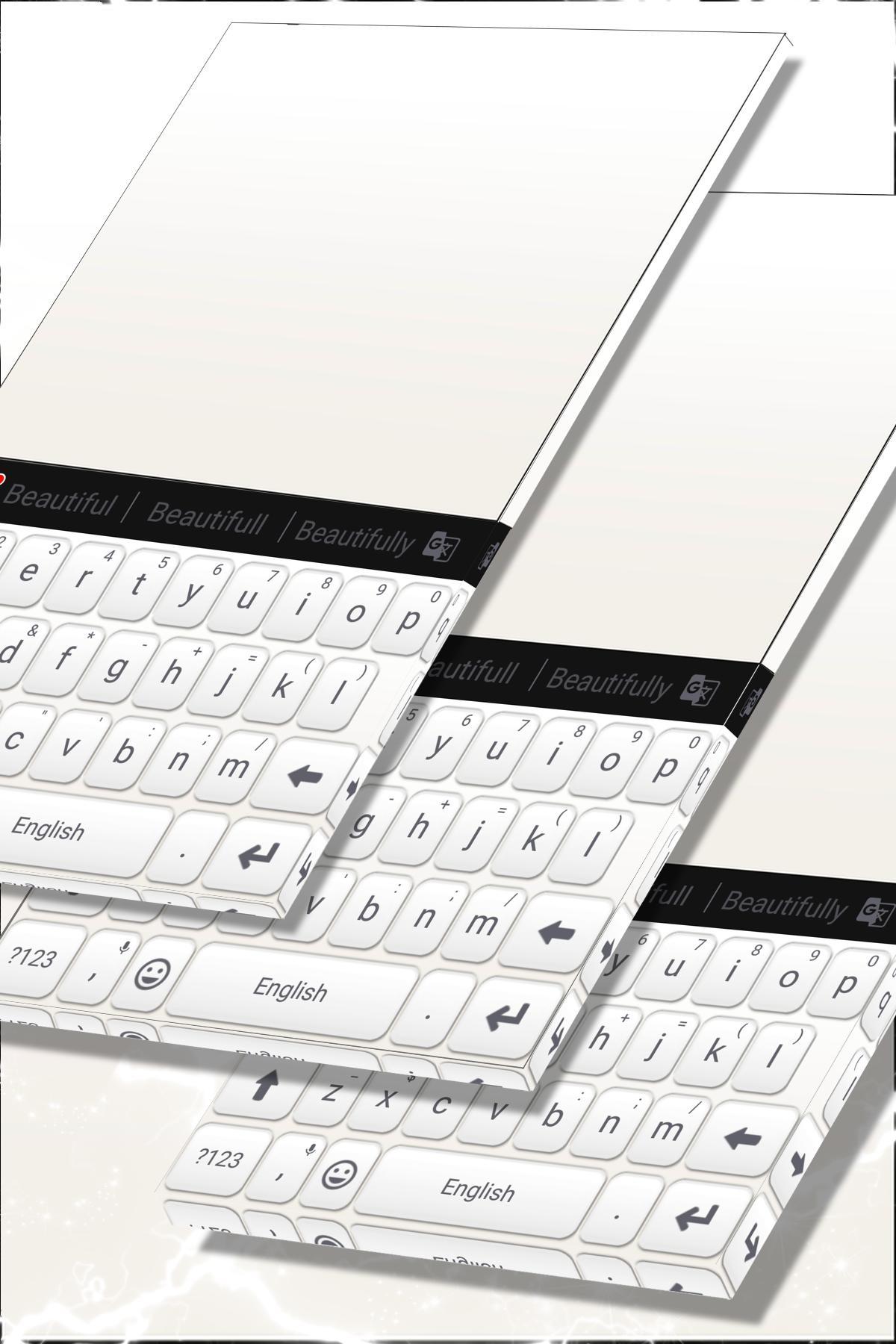
White Keyboard For Androidr
1.279.1.96 January 22, 2026- 8.5
- 1
- 2
- 3
- 4
- 5

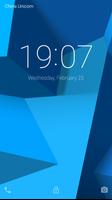
A lock screen app that disguise your phone as another device
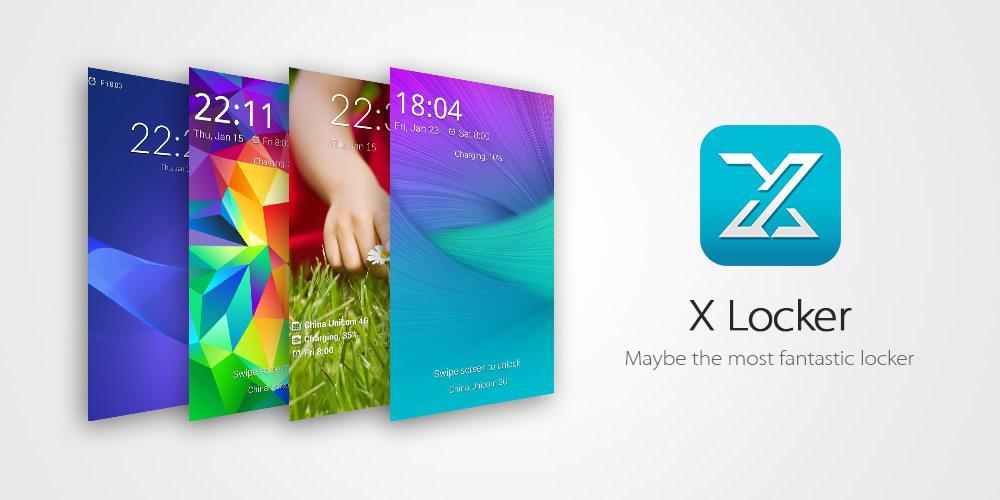
A highly customizable DIY lock screen, you can select your favorite unlock effect and wallpaper to be displayed in your lock screen. With the fantastic unlock effects, your phone can be easily disguised as another device totally.
Features
✨ Abundant unlock effects and themes
Galaxy series: poping colors, ripple, lensflare, watercolors, geometric mosaic, etc.
LG: particle, crystal, dewdrop, pixelate, vector, etc.
Others: Slide to unlock, blinds, revolving glass, etc.
✨ Customizable lock screen wallpaper
You can set your favorite scenery or your family's photos as lock screen wallpaper, you can let the lock screen display system static wallpaper even live wallpaper directly. By default, the builtin wallpaper of current theme is used.
✨ Third party app notifications
Once you allow the notification permission, X Locker is able to display third party app notifications on lock screen, this is quick useful when you are using some chatting or social apps(like Facebook, Messenger, Twitter, WhatsApp, Wechat, etc.).
✨ Efficient shortcuts
You can add the most frequently used apps as lock screen shortcuts, and launch one of them with a simple swipe on the lock screen.
✨ Lock screen widgets
X Locker allow you to add widgets on the lock screen, the widgets will all be placed in left pages. Just swipe from left edge of lock screen to add the first widget.
✨ Security lock
Setup a Pin or Pattern lock to protect your privacy.
Permissions
- Device Administrator
With the permission we can turn off and lock the screen.
- Accessibility services
This app uses Accessibility services to display notification on the lock screen in pre-4.3 android version.
- Read Text Messages & Call History & Contacts
These permissions are used to display the unread messages and missed calls on the lock screen.
- Read Photos/Media/Files
With the permission we can pick background wallpaper from your photos and other image files.
- Access Storage
With the permission we can cache the remote images to local storage, which will improve the performace of app.
- Read Phone Status
With the permission we can automatically unlock the screen if there is an incoming call.
- Run at Startup
With the permission we can lock the screen as soon as boot completed, which will protect information for users.
- Draw over other apps
With the permission we can draw the lock screen.
Q & A
- How to uninstall X Locker
If you have activated X Locker as device administrator in order to use some features(Screen Auto Timeout, Double Tap to Turn Off Screen), when you try to uninstall X Locker, you will be told that you can not uninstall it because it is a device administrator. You need to deactivated device administrator first.
- How to deactivate device administrator
For most android phones, you can go to System Settings -> Security -> Device administrators, uncheck X Locker.
Also, you can deactivate directly within X Locker: go to X Locker Settings -> More -> Deactivate device administrator, tap on it.
- How to change lock screen wallpaper
In the drawer menu, tap on "Wallpaper" to open wallpaper settings page, you can add or apply/unapply wallpapers.
- How to enable app notification
In the drawer menu, tap on "Notification" to open notification settings page, and check the "Show apps notification".
If it is the first time to enable the app notification, you will be asked for notification permission, just allow the permission.
- How to setup security lock
Go to Settings -> More -> Security lock, select one of "None", "Pattern" and "PIN".
- How to open settings of a theme
Tap on the thumbnail of your local theme, you will be navigated to the details page of the theme. There will be a "Settings" icon on the toolbar(if the theme has).
Contact Us
Email to [email protected]



 Action-adventure
 Simulation Business
 Role Playing
 Sports Competition
 Casual Intelligence
 Card Strategy
 Music Rhythm
 Text Puzzle
 Flying Shooting
 Love Development
 Business Office
 Newsletter Social
 Life Entertainment
 Online Shopping
 Practical Tools
 Travel
 Financial Management
 Educational Learning
 Information Reading
 Sports and Health